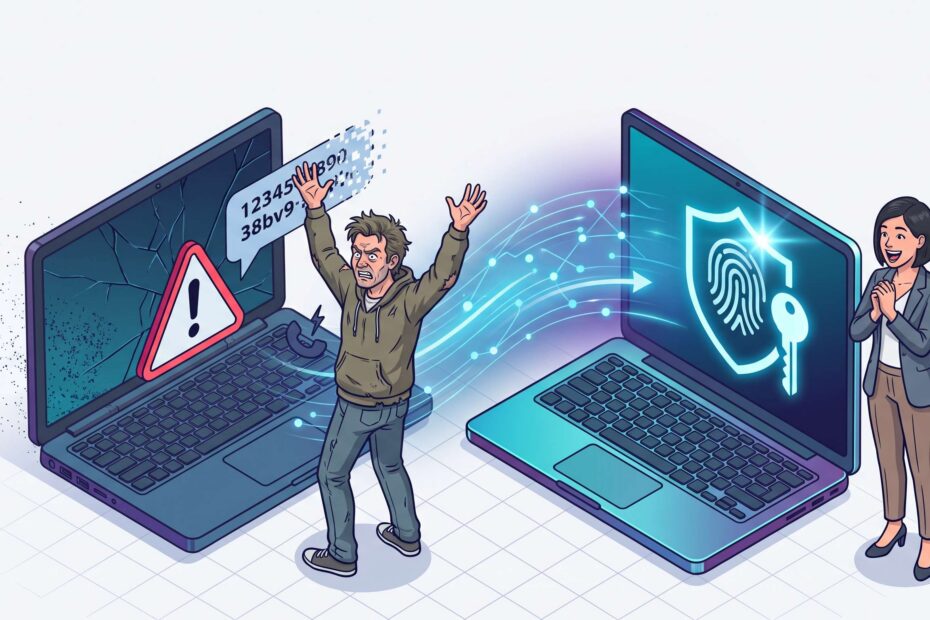
Microsoft has announced the retirement of Microsoft-provided SMS and voice authentication in Microsoft Entra ID and is moving organizations pro-activaly towards phishing-resistant authentication methods such as passkeys.
Here are the key dates and user impact
- 1 September 2026: Users enabled for SMS or voice MFA will automatically be targeted for passkey registration campaigns.
- 1 February 2027: Microsoft-provided SMS and voice authentication services will be retired.
- After 1 February 2027: Users relying only on SMS or voice MFA will be required to register a passkey before they can continue signing in. This enforcement cannot be disabled.
Why You Need to Prepare Now
From 1 September 2026, Microsoft will begin changing the authentication experience for users who are enabled for SMS or voice. These users will automatically be enabled for passkeys and brought into a Microsoft-managed registration campaign. The next time they complete MFA, they may be prompted to register a passkey. Although users can initially postpone registration, an unplanned rollout can create confusion, increase support requests, and expose gaps in device readiness, user communication, and exception handling.
Preparing now gives your organisation time to decide whether to embrace Microsoft’s automatic rollout or temporarily opt out while running a controlled migration. It also creates enough time to test passkey registration, prepare support teams, and address users who cannot follow the standard registration process. The temporary opt-out only delays the September enablement; it does not change the final retirement of Microsoft-provided SMS and voice authentication on 1 February 2027.
What to Consider Before 1 September 2026
In case you still have a significant population that uses SMS/Voice as MFA method on regular basis or have configured SMS for self-service password reset, be aware that these users will be targeted for passkey registration.
If you want to avoid confusion in this user-population, we recommend you to implement the instructions described in the section "Temporarily opt out of the automatic passkey enablement" and schedule the actions outlined hereunder before 1 February 2027.
Why is Microsoft Making This Change?
Microsoft’s stated objective is to make phishing-resistant authentication the default. SMS and voice rely on telecom channels and one-time codes that can be intercepted, socially engineered, redirected through SIM-swapping, or captured by adversary-in-the-middle phishing. Passkeys instead use origin-bound public-key cryptography: the private credential remains on the user’s device and cannot be entered into a fraudulent website or replayed by an attacker.
· Passkeys, including device-bound and synced passkeys where supported
· Windows Hello for Business
· FIDO2 security keys
· Microsoft Authenticator passkeys
The security direction is sound: these methods materially reduce exposure to phishing, credential theft, MFA-code interception, and SIM-swapping. They can also simplify sign-in once registration and recovery processes are designed well. However, replacing SMS and voice is not merely a technical switch. It changes how users enrol, authenticate, replace devices, and recover access, and therefore requires operational preparation.
Recommended Actions Before 1 February 2027
• Identify the affected population. Determine which users are enabled for SMS or voice in the Authentication Methods Policy and which users actively rely on these methods for MFA or self-service password reset.
• Decide on your rollout approach. Choose whether to allow Microsoft’s automatic passkey enablement or temporarily opt out so you can manage the timing and scope yourself.
• Validate technical readiness. Confirm that passkeys are correctly configured and test registration and sign-in on the devices, browsers, and operating systems used in your organisation.
• Assess special user scenarios. Define an appropriate authentication approach for shared-device users, frontline workers, users without compatible devices, break-glass accounts, and other exception groups.
• Plan for SMS and Voice Exceptions. Organizations with regulatory or operational requirements for SMS or voice authentication should evaluate customer-managed telecom providers available through the Microsoft Security Store. Microsoft will publish additional provider information from 18 September 2026 onwards.
• Review existing authentication settings. Check the Authentication Methods Policy, registration campaign settings, Conditional Access policies, authentication strengths, and self-service password reset dependencies.
• Run a representative pilot. Test the end-to-end experience with a small and diverse user group before wider registration prompts begin.
• Prepare communications and support. Tell users why the change is happening, what prompts they may see, how to register a passkey, where to get help, and how to recognise legitimate registration prompts.
• Establish monitoring and ownership. Assign clear owners, track registration progress and failures, and ensure the service desk has troubleshooting guidance and an escalation path.
How SecWise Can Support Your Passkey Migration
SecWise can support your organisation throughout the entire migration from SMS and voice authentication to phishing-resistant methods, or assist with selected parts of the programme where additional expertise or capacity is required. Our approach can be tailored to your environment, timelines, internal capabilities, and user population.
• Assessment and impact analysis: Identify affected users, authentication dependencies, exception groups, and potential migration risks.
• Strategy and migration planning: Define the target authentication methods, rollout waves, governance, timelines, and success criteria.
• Technical implementation: Configure passkeys, Authentication Methods Policies, registration campaigns, Conditional Access, authentication strengths, and Temporary Access Pass where appropriate.
• Pilot and validation: Test registration, sign-in, recovery, and support scenarios with representative user groups before wider deployment.
• User adoption and communication: Prepare practical guidance, awareness communications, and support materials that reduce uncertainty and help users complete registration successfully.
• Rollout and optimisation: support phased deployment, monitor adoption and failures, resolve exceptions, and fine-tune the environment based on operational feedback.
Whether you need end-to-end ownership or targeted support for a specific migration phase, SecWise can help you move at a controlled pace, reduce disruption, and complete the transition before Microsoft-provided SMS and voice authentication is retired.
More info: Passkeys by default and retirement of Microsoft-provided SMS and voice authentication
 We use cookies on our website to give you the most relevant experience by remembering your preferences and repeat visits. By clicking “Accept All”, you consent to the use of ALL the cookies. However, you may visit "Cookie Settings" to provide a controlled consent or reject all cookies by clicking "Reject All".